



Skip to content
1Namecard

Digital namecards for sales teams

Not just a namecard.Your sales entry point.

1Namecard is a digital namecard platform for B2B sales teams that tracks every scan, measures every rep and sends every consented lead to your CRM.

Live in about 2 minutes. No app to install. Data stored and processed in the EU.

Syncs to HubSpot. Answers your AI assistant over MCP.

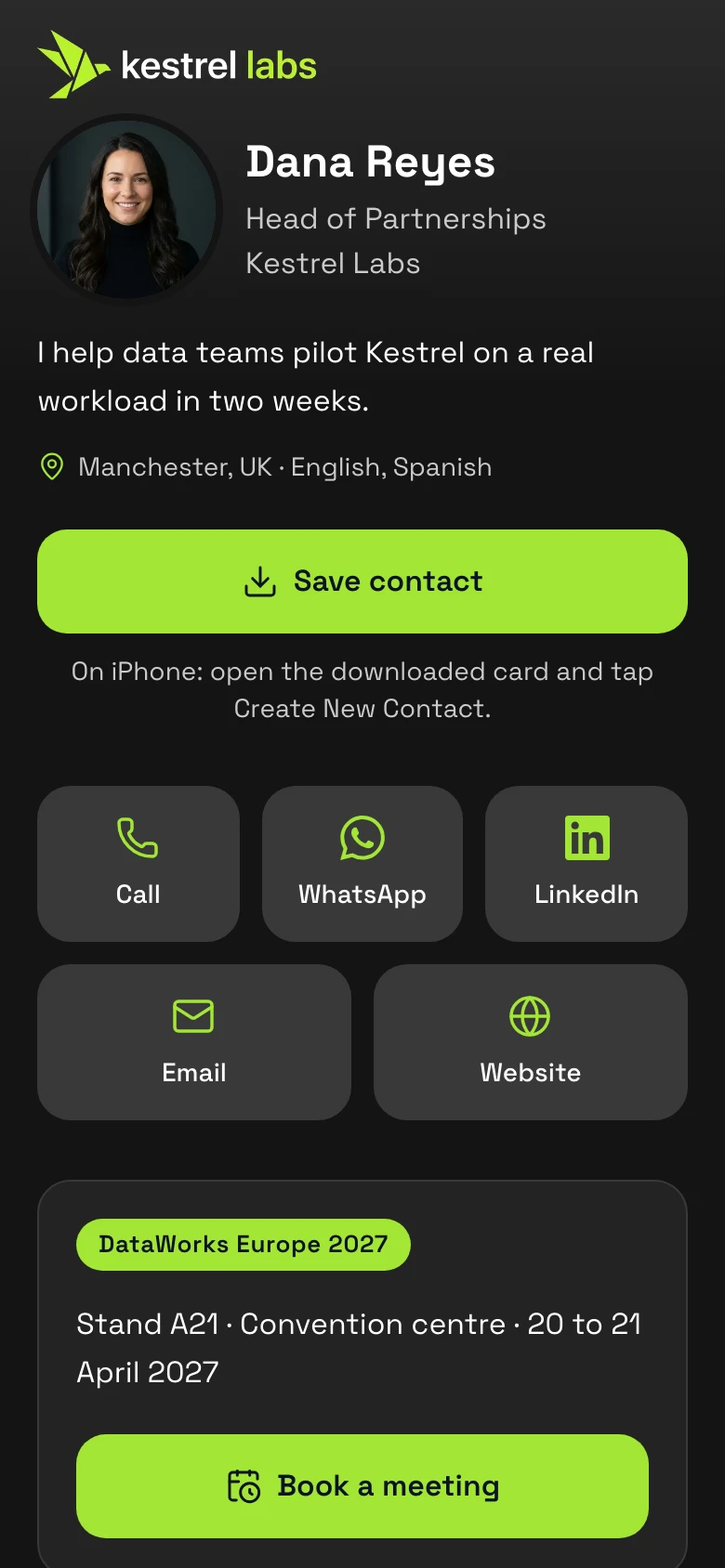
Dana Reyes's digital namecard for Kestrel Labs: photo, save contact, WhatsApp, LinkedIn, book a meeting

Demo brands, each on its own subdomain

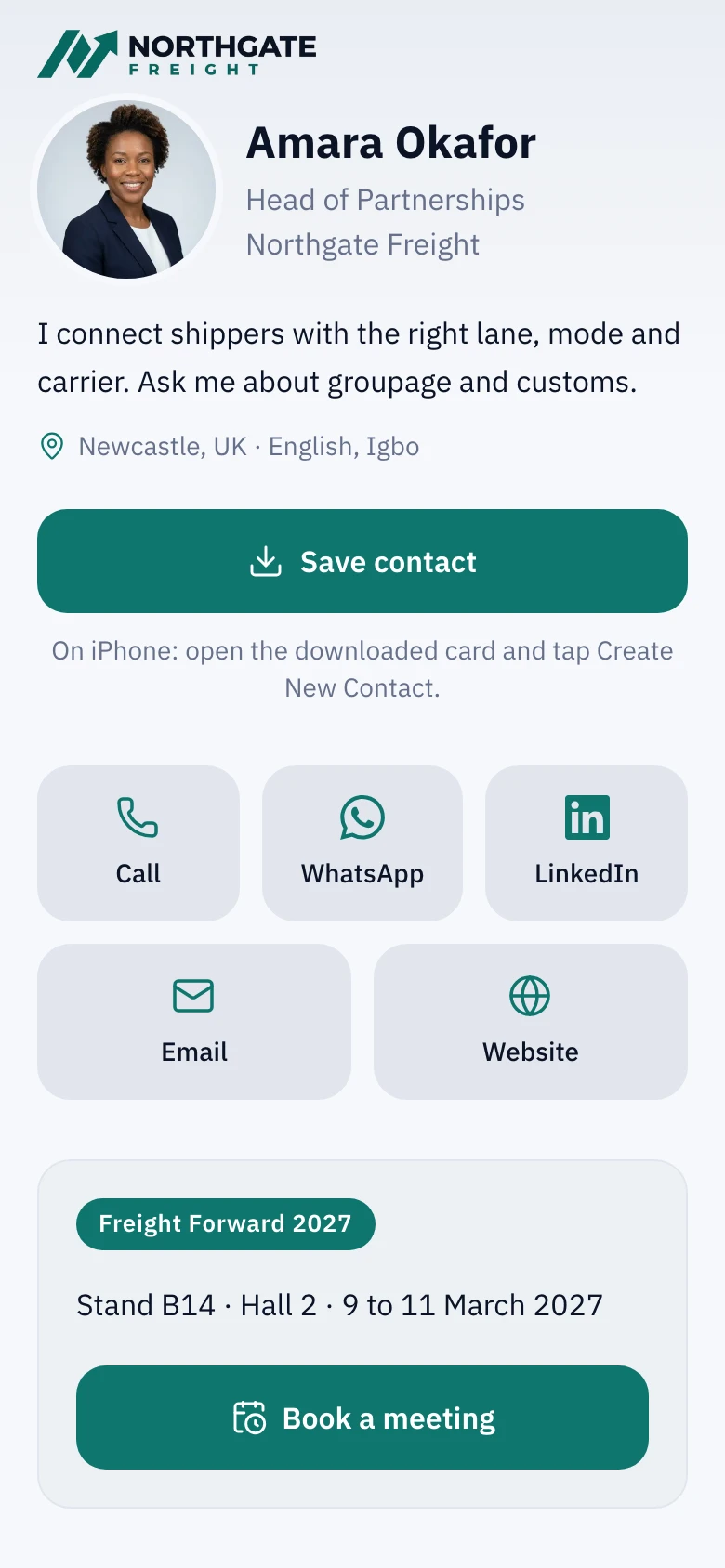
  • Northgate Freight
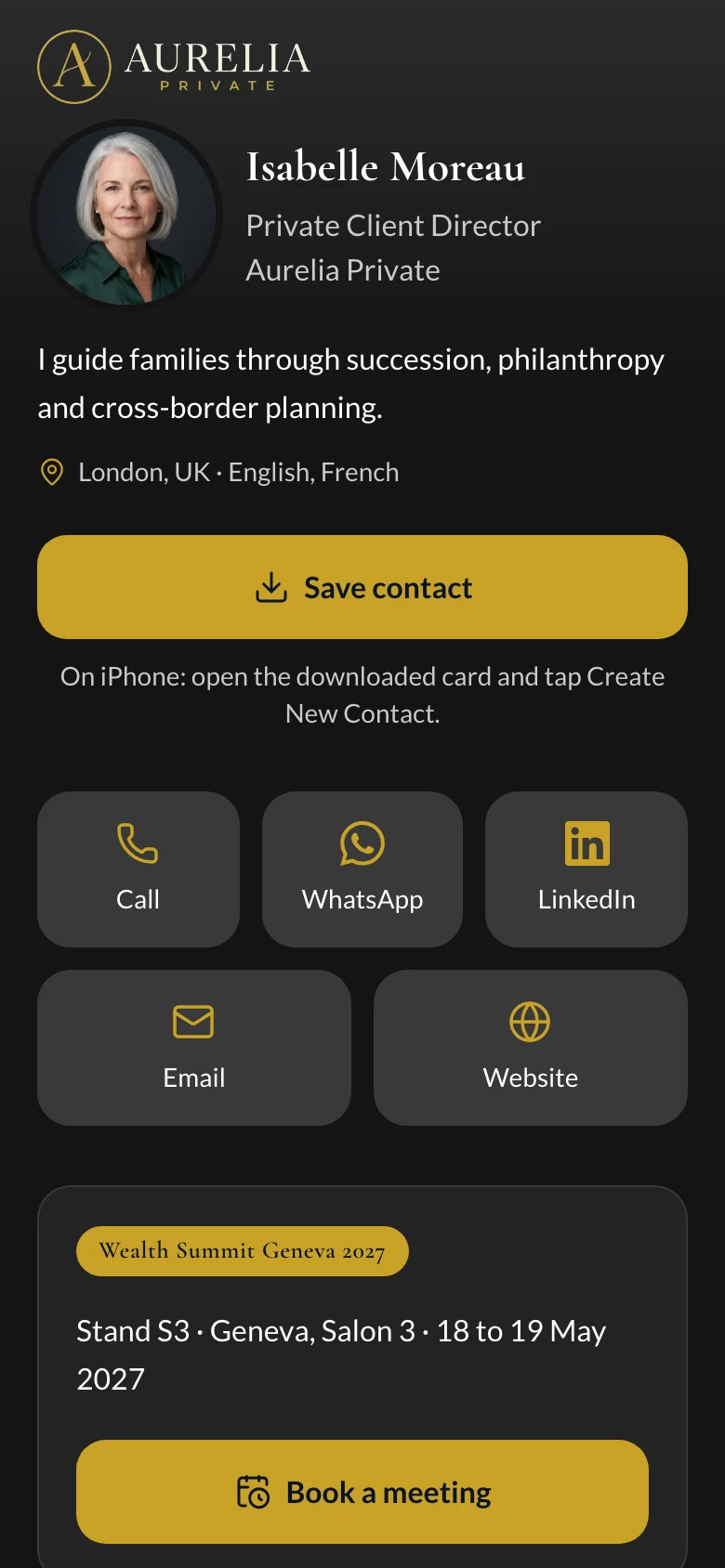
  • Aurelia Private
  • Kestrel Labs
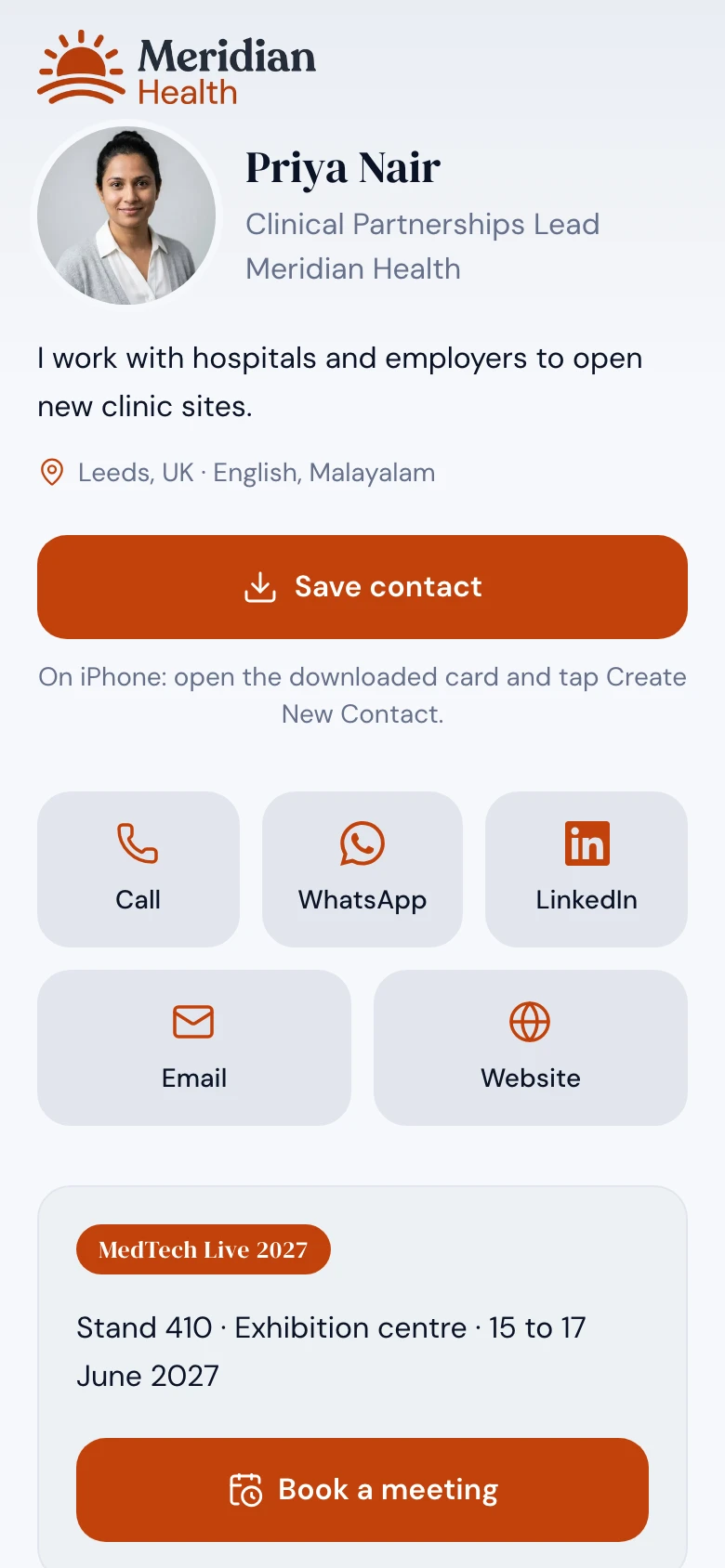
  • Meridian Health

What happens after a scan.

One thread from the visitor's phone to the team leader's table. Nobody types anything in between.

  1. A card is scanned.

    A QR on a card, badge or roll-up opens a web page. No app. Every placement is its own link.

  2. The contact is saved.

    One tap puts the rep in the visitor's phone. The save is counted against the rep and the placement.

  3. The lead is captured and scored.

    The form stores the consent wording. Hot, warm or cold comes from what the visitor did, with the reasons shown.

  4. It lands in your CRM.

    Contact, company, deal, note and meeting reach HubSpot without anyone retyping, for visitors who agreed.

  5. The numbers move.

    The team leader sees scans, saves, leads and meetings for every rep, and which placements work.

  1. A card is scanned.

    A QR on a card, badge or roll-up opens a web page. No app. Every placement is its own link.

  2. The contact is saved.

    One tap puts the rep in the visitor's phone. The save is counted against the rep and the placement.

  3. The lead is captured and scored.

    The form stores the consent wording. Hot, warm or cold comes from what the visitor did, with the reasons shown.

  4. It lands in your CRM.

    Contact, company, deal, note and meeting reach HubSpot without anyone retyping, for visitors who agreed.

  5. The numbers move.

    The team leader sees scans, saves, leads and meetings for every rep, and which placements work.

See your whole sales force on one page.

Scans, saves, leads, meetings, conversion and time to first contact for every rep, and which placements bring the leads. By rep, placement or card, for any period or event.

A sales director at a light oak desk reviews figures on a laptop, a blue notebook beside her, while colleagues talk in the open-plan office behind.
Performance by repSample data
Performance per rep: scans, saves, leads, meetings, conversion and time to first contact
RepLeadsConv.1st contact
Dana Reyes6114.8%12m
Tomas Varga4712.8%26m
Elif Demir5217.4%9m
Marcus Webb229.1%Slow: 3h 40m
Sofia Lindqvist2412.8%41m
Team20613.7%26m
Placements that workSample data
Scans, leads and conversion per placement
PlacementScansLeadsConv.
Badge QR5129819.1%
E-mail signature2143817.8%
Roll-up banner3884110.6%
Printed namecard200178.5%
Leaflet190126.3%

Every lead lands in your CRM.

Leads arrive in HubSpot with their placement, score and the consent they gave. Any other CRM connects through a webhook or the API.

  • HubSpot, built in

    Contacts, companies, deals, notes and meetings, with your pipeline and owners.

  • Signed webhooks

    Every lead and meeting, signed with HMAC-SHA256 and retried if your endpoint is down.

  • REST API and OpenAPI

    Read and write cards, leads, stages and notes with tokens you can revoke.

  • MCP for AI assistants

    Let an assistant list hot leads, assign them and read the funnel.

  • CSV in and out

    Export leads and meetings. Import cards and your customer list.

1Namecard lead

Mia Fischer

Harbourline Freight

Hot 75

Placement dw27-badge

Consent given

SendingSynced
  • Contact

    Mia Fischer, with placement, score and stage

    Synced
  • Company

    Harbourline Freight, found by e-mail domain

    Synced
  • Deal

    Harbourline Freight, DataWorks Europe 2027

    Stage: Meeting

    Synced
  • Note

    Consent wording and score reasons

    Synced
  • Meeting

    Thursday 10:30, stand time

    Synced

One way, from 1Namecard to your own HubSpot, for leads who ticked the consent box. Nothing is read back.

Ask your AI about your pipeline.

The 1Namecard MCP server lets any AI assistant that supports MCP read your leads and funnel and make small changes, with a token you create on the API page. Each action is limited by the token’s scopes and logged.

  • Included: Reads cards, leads, short links and the funnel.
  • Included: Moves a stage, assigns an owner, adds a note, creates and edits short links.
  • Included: Has no delete tools: removal stays in the admin.
An assistant working a pipelineSample data

Assistant

Connected over MCP

Scopes: read, write

Which hot leads from DataWorks haven’t been contacted yet?

Used 1Namecard: list_leadsNeeds the read scope
{
  "stage": ["new"],
  "band": "hot",
  "from": "2027-04-20",
  "to": "2027-04-21",
  "sort": "score"
}

Two hot leads are still in New:

  • Mia Fischer, Harbourline Freight, score 75
  • Jonas Keller, Orchard Cold Chain, score 68

Want me to assign them?

Move Mia to Contacted and give me a short link for her badge.

Used 1Namecard: update_lead_stageNeeds the write scope
{
  "id": "6f1c3a52-...",
  "stage": "contacted"
}
Used 1Namecard: create_redirectNeeds the write scope
{
  "key": "dw27-mia",
  "target": "https://kestrel.1namecard.com/dana-reyes",
  "note": "Badge link for Mia Fischer"
}

Done. Mia Fischer is now Contacted, and her first contact time is recorded.

Her badge link: kestrel.1namecard.com/dw27-mia

Make it truly your company's.

Logo, accent colour with a contrast check, light or dark surface, typeface, consent wording, legal line and your own address. Four demo organisations, four live cards. Open one as a visitor would.

No CRM yet? Start here.

Every lead lands in a pipeline with a stage, an owner, a next action and notes. Export everything whenever you like, and add HubSpot later without retyping.

LeadsSample data
  • New4
  • Contacted6
  • Qualified3
  • Meeting2
  • Won1
  • Mia Fischer

    Harbourline Freight

    Hot
  • Jonas Keller

    Orchard Cold Chain

    Warm
  • Ines Alves

    Marlow Packaging

    Warm
  • Tariq Haddad

    Selwyn Logistics

    Cold

Built for the show floor.

Put the numbers on the stand screen, see which placement brings each lead, and print the report when the show is over.

A sales rep in a beige shirt holds out a printed card while a visitor scans it with her phone at a busy trade show stand.

Live board, today

Sample data. Updates while you watch.

Scans
248
Saves
91
Leads
37
Meetings
12
  • 14:32Meeting requestedbadge
  • 14:31Lead capturedroll-up
  • 14:29Contact savednamecard
  • 14:27Card scannedleaflet
  • 14:26Contact savedbadge
  • Live board

    Today's scans, saves and leads on the stand screen, refreshed every 10 seconds.

  • Placement attribution

    One tracked link per placement: namecard, badge, roll-up, leaflet. See which one brought the lead.

  • Post-show report

    A clean printable funnel by rep and placement, and a CSV for finance.

Your data, your rules.

  • Stored and processed in the EU

    Servers, database and backups are in Frankfurt, Germany.

  • Organisations kept apart

    One organisation's data is never mixed with another's.

  • No cookies on cards

    Cards set no cookies for visitors and run no third-party analytics.

  • Consent text stored with every lead

    Each lead keeps the exact wording the visitor agreed to.

Works with

Fits the tools you already use.

HubSpot, Slack and Telegram alerts, signed webhooks, the REST API and an MCP server for AI assistants work today. Salesforce, Pipedrive, Microsoft Dynamics 365 and Zoho CRM are in development, and we promise no dates.

Product names and logos are trademarks of their owners. Use does not imply endorsement.

Tested on

  • Chrome
  • Safari
  • Firefox
  • iPhone
  • Android

Product names and logos are trademarks of their owners. Use does not imply endorsement. The Android robot is reproduced or modified from work created and shared by Google and used according to terms described in the Creative Commons 3.0 Attribution License.

Start free. Pay as your team grows.

2 min

about, from sign-up to a published card

EUR 88

per month for the whole Team plan, not per card

10 s

between refreshes of the live board

  • Starter

    Free

    Every feature, with small limits.

    • Included: 3 cards and 3 users
    • Included: 10 short links with click tracking
    • Included: Lead capture, pipeline and analytics
    Start free
  • Team

    EUR 88/ month

    Billed monthly. VAT may apply.

    • Included: 50 cards and 25 users
    • Included: 200 short links with click tracking
    • Included: Everything in Starter, with room for a team
    Get Team
  • Business

    Talk to us

    Priced to your needs.

    • Included: 500 cards and 200 users
    • Included: One custom domain
    • Included: Priority e-mail and onboarding help
    Talk to us

Common questions.

Do visitors need an app?

No. A card is a web page. Saving a contact uses the phone's own contacts app.

How long does setup take?

Live in about 2 minutes. You sign up, set your card and look, and publish. Adding more reps and connecting HubSpot take a little longer.

How much does it cost?

Starter is free with every feature and small limits. Team is EUR 88 per month for the whole organisation, with 50 cards and 25 users. Business is priced to your needs. There is no charge per scan or per lead.

Where is data hosted?

In the EU. The application servers, the database and the backups are in Frankfurt, Germany, and each organisation's data is kept apart.

Can we use our own domain?

Yes, one custom domain per organisation on Business.

Does it work with HubSpot?

Yes: contacts, companies, deals, notes and meetings, with consent rules. Other CRMs through signed webhooks or the API.

Does it replace the organiser's badge scanner?

No. Keep the scanner if you have one. 1Namecard captures the conversations a scanner misses and shows which placements bring them. It does not read organiser badges.

Does it help with GDPR?

The lead form stores the exact consent wording and its version with every lead, data is stored and processed in the EU, and an admin can delete all data for one e-mail address in a click. Whether your use is compliant also depends on your own purposes and notices. Our guide to GDPR lead capture at events explains the basics and is not legal advice.

Can a rep see another rep's leads?

No. Members see only the leads of their own cards. Owners and admins see everything, and viewers can read but not change.

What about NFC?

Cards work with any NFC tag that opens a link. NFC tags from us are coming.

Terms, in plain English.

  • What is a digital namecard?

    A digital namecard is a business card that lives on a web page. A rep shares it with a QR code or an NFC tag that opens a link, and the visitor can save the contact, send their details or book a meeting without installing an app.

  • What is a lead retrieval app?

    A lead retrieval app records the people who stop at an exhibition stand. Organisers often offer one that scans visitor badges. Another way is a QR code that opens a form on the visitor's own phone, which is how 1Namecard captures leads.

  • What is placement attribution?

    Placement attribution shows which placement brought a lead, such as the badge, a roll-up banner, a leaflet or an e-mail signature. Each placement has its own link and QR code, so every scan is counted against it.

  • What is time to first contact?

    Time to first contact is how long a rep takes to reach a lead after it arrives. 1Namecard records it on every lead and flags leads that nobody has touched for 48 hours.

  • What is a consent record?

    A consent record is proof of what a person agreed to. 1Namecard stores the exact consent wording, and its version, with every lead.

  • What is lead scoring?

    Lead scoring rates a lead from what the visitor did. A meeting request, a saved contact and a marketing opt-in raise the score, and every lead shows its reasons and a hot, warm or cold band.

Ready for your first scan?